Finance Analyst
Ask a finance question. Get the answer and the file.
Rebase answers from your live ledger, says where every figure came from, and builds the workbook, memo or deck, checked before you open it.
What it does
Answers you can trace, in files you can use.
Questions in plain language
Ask what you'd ask an analyst: what moved, who owes us, what we spent. It reads the ledger live to answer.
Every figure sourced
Each number comes with its period, entity and the report it came from, and whether that period is closed.
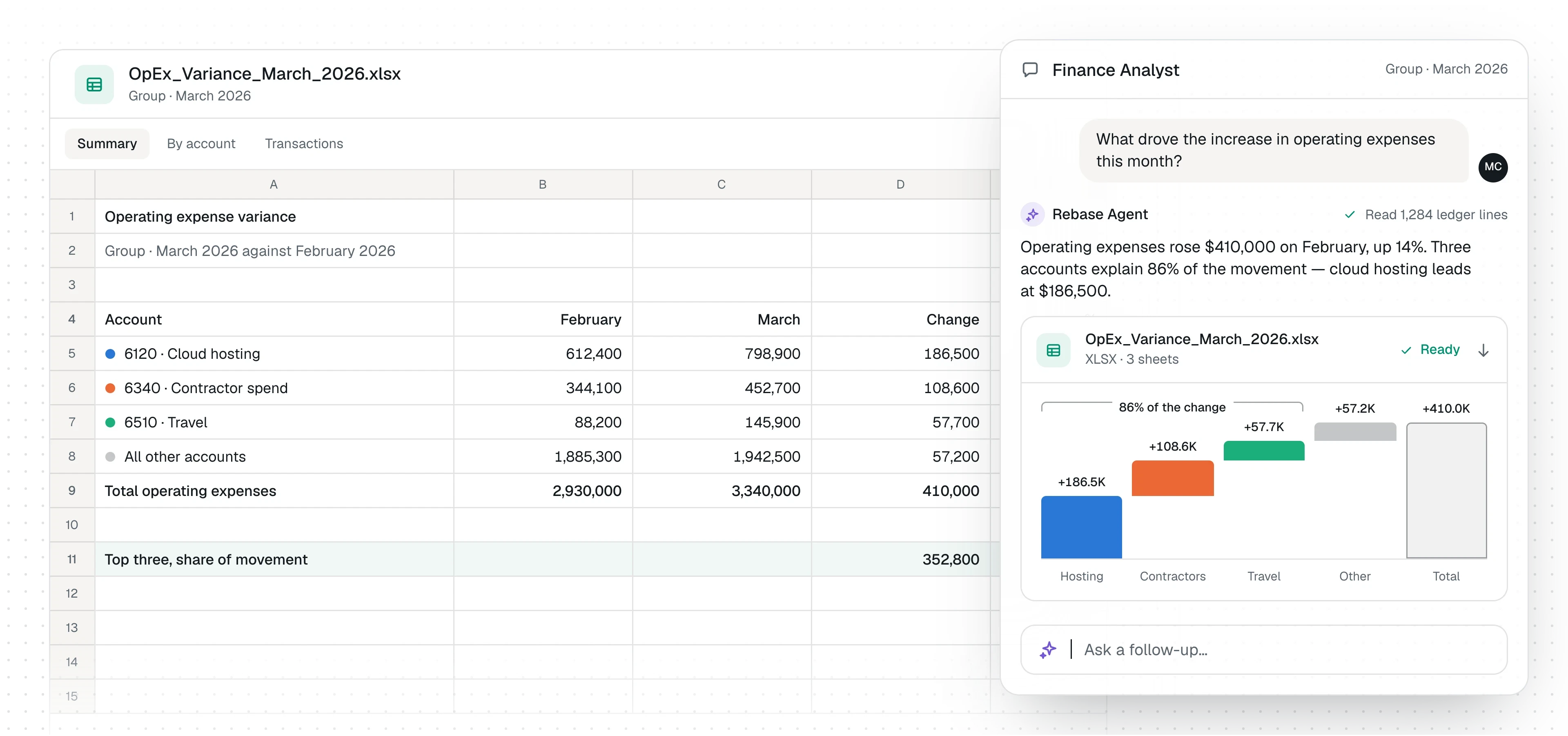
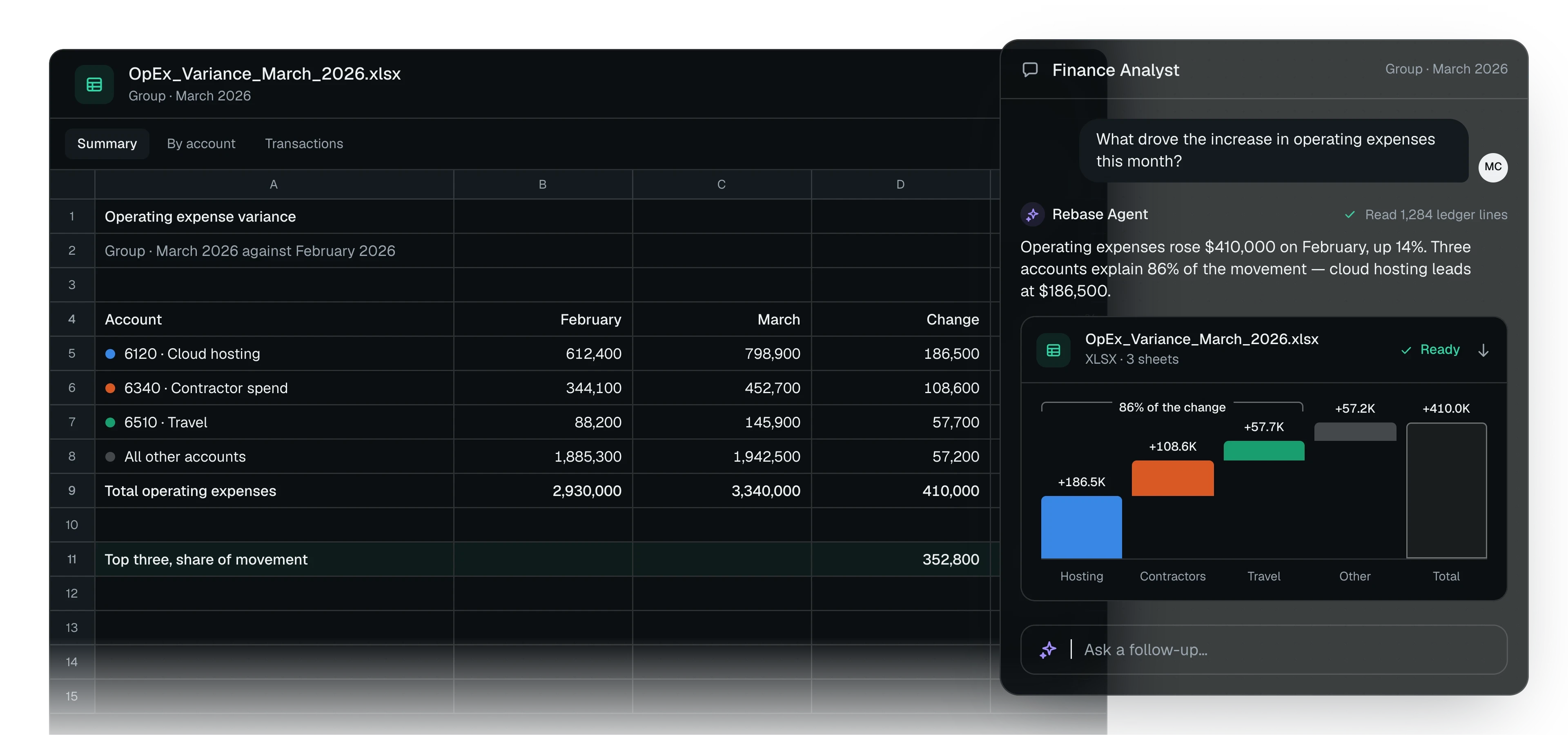
Variance analysis
Ranks what moved in the P&L, drills into the entries behind it, and shows what's explained and what isn't.
Checked a second way
Rebase can work a figure out by another route before it gives it to you.
Workbooks, memos and decks
Builds Excel, Word, PowerPoint and PDF files, with working formulas and native charts.
Files checked before you open them
Workbooks are recalculated and documents checked, so a broken formula or layout doesn't reach you.
How it works
From question to finished file.
Ask in a sentence. Rebase does the pulling, the tying and the formatting.
Ask the question
In plain language, about any period or entity.
Rebase reads the books
It pulls the statements and entries it needs, live, plus any file you add.
It answers with sources
The figure, the period and where it came from, and what's still unexplained.
It builds the file
A workbook, memo, deck or PDF, checked and ready to download.
Works with your stack
Reads your ledger and data live. Copies nothing.
Rebase queries each system when a question needs it. Nothing is synced or copied into a separate store.
Skills it follows
- Ledger questions Answers questions about the numbers, with the sources.
- P&L variance analysis Explains what moved in the P&L, and why.
- Excel workbooks Builds and edits workbooks, and checks every formula.
- Word documents Writes memos and reports, then checks them.
- PowerPoint decks Builds decks and checks the layout holds.
- PDF documents Produces reports, invoices and statements ready to print or send.
Systems
 Business CentralReads & writes
 QuickBooksReads
 OdooReads
 SnowflakeReads
 PostgreSQLReads
 Oracle DatabaseReads
 SalesforceReads & writes
Questions
The questions we get asked first.
Where do the numbers come from?
Your systems, read live when you ask. Each answer names the report or records it used.
What can it produce?
Excel workbooks, Word documents, PowerPoint decks and PDFs, each checked before it's handed over.
Can it use files we already have?
Yes. Add a statement, contract or export and Rebase reads it alongside the ledger, scanned PDFs included.
How do we know a figure is right?
Every figure comes from a record Rebase read or a calculation it ran, and it tells you which, so you can check it yourself.
See Rebase work through a finance process that matters to your team.
Tell us where the work gets stuck. We’ll walk through how Rebase could help.