Accounts Receivable
Every open balance explained before anyone chases it.
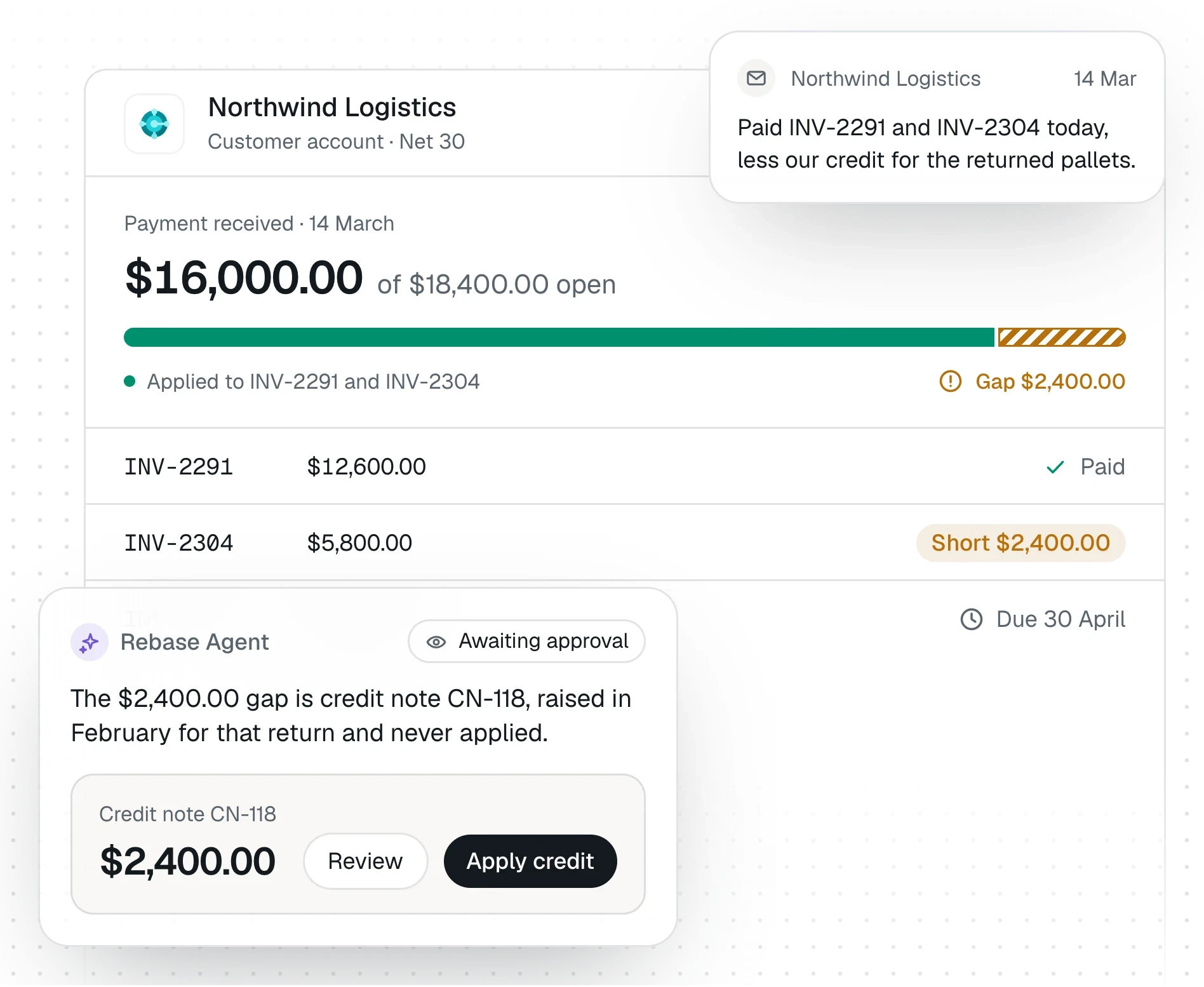
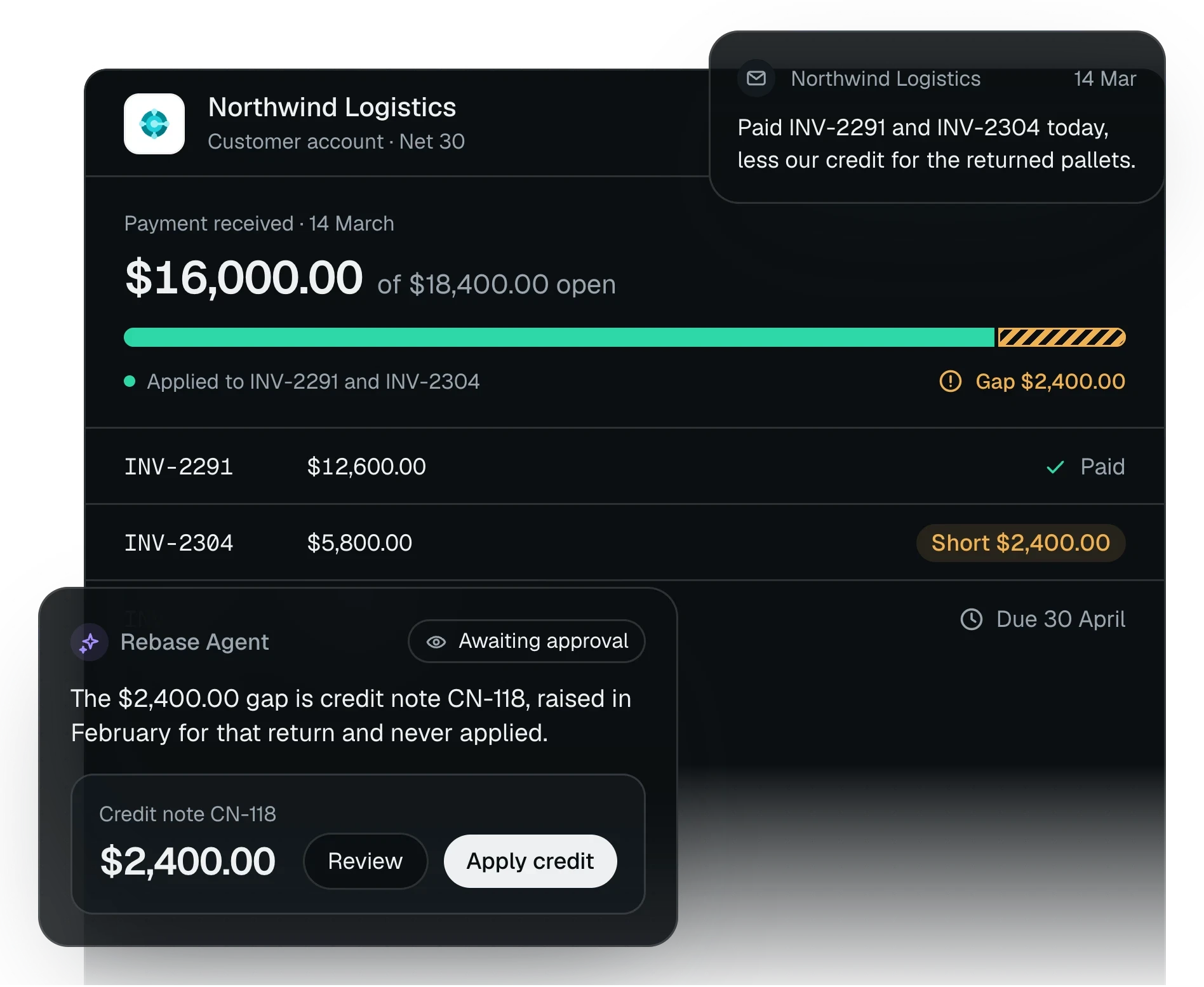
Rebase matches payments to invoices, works out why a payment is short or disputed, and hands your AR team the account's full picture with the next step prepared.
What it does
The investigation behind every open balance.
Unapplied cash
Matches incoming payments to open invoices, using the remittance and the customer's own references.
Short and over payments
Works out why a payment doesn't equal the invoice: a deduction, a credit taken, a fee or a partial payment.
Invoice disputes
Puts the invoice, the customer's email and the contract side by side, and says whether the customer has a point.
Credits and adjustments
Drafts the credit note or adjustment with its evidence, for the person who approves credits.
Accounts that need attention
Ranks accounts by money at risk and by what has changed, with the reason written next to each.
Account questions, answered
What a customer owes, has paid and was promised, from the systems that hold the answer.
How it works
From an open balance to the right next step.
Rebase does the digging across systems. Your team decides what to send and what to change.
Rebase watches receivables
Overdue balances, new payments and disputes are picked up as they happen.
It investigates the account
Bank, remittance, email, CRM and ERP, read together to find what really happened.
It prepares the next step
A payment match, a credit, a reminder or a question for the customer, with the evidence.
Your team approves
Nothing is applied, credited or sent until someone on your team says so.
Works with your stack
Reads your ledger, bank, CRM and inbox together.
Rebase queries each system when an account needs it, and changes a record only once your team approves.
Skills it follows
- Ledger questions Answers questions about the numbers, with the sources.
- Invoice set reconciliation Matches two invoice lists that should agree and explains every gap.
- Excel workbooks Builds and edits workbooks, and checks every formula.
- PDF documents Produces reports, invoices and statements ready to print or send.
Systems
 Business CentralReads & writes
 QuickBooksReads
 OdooReads
 PlaidReads
 SalesforceReads & writes
 Zoho CRMReads & writes
 GmailReads
Questions
The questions we get asked first.
Does Rebase contact our customers?
Not on its own. It prepares the reminder or the reply, and your team decides whether it goes.
Can it apply payments and credits in our ERP?
It proposes the match or the credit with its evidence. Nothing is applied until someone on your team approves it.
Which systems does it look at?
Your ERP, bank feed, CRM and AR inbox, read together. Business Central, QuickBooks, Odoo, Plaid, Salesforce, Zoho CRM and Gmail connect today.
Is this a dunning tool?
No. Rebase investigates first: whether the customer already paid, took a credit or has a point. A reminder is for a balance that's really owed.
See Rebase work through a finance process that matters to your team.
Tell us where the work gets stuck. We’ll walk through how Rebase could help.